My nephews Leo, 7, and Luca, 3, stayed with me for a few days recently, and getting either of them to make a bed, brush their teeth without a 20-minute negotiation, or put toys away without treating it as a personal insult is usually a project. Skylight’s new Disney Mode landed on the family calendar right before they arrived, so I figured I’d let them loose on it and see if Stitch could succeed where I hadn’t.
What Disney Mode Actually Is
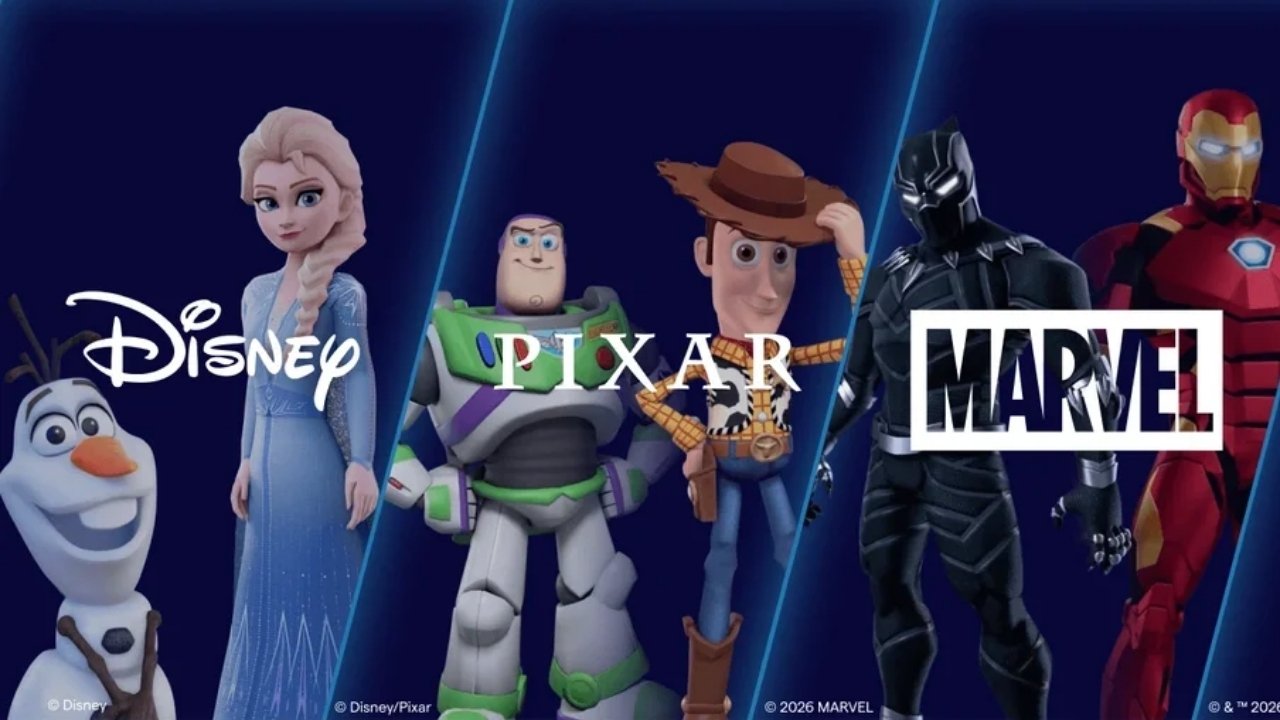
Skylight is a touch-screen calendar that hangs on the wall and syncs the whole family’s schedule, chores and routines in one place. Disney Mode sits on top of that – an optional feature for Skylight Plus members that brings in characters from Disney, Pixar, Marvel and Star Wars to dress up the existing chore-and-reward system. It’s off by default, so anyone who wants the plain calendar can just leave it that way.
However, switch it on, and it lets kids choose their profile photos, sets the animation that plays when they tick off a chore, controls what happens when they redeem a reward, and determines the screensaver artwork when the calendar sits idle.
Double Trouble
Choosing profile characters was the first battle. Leo went back and forth between Black Panther and Iron Man before landing on Iron Man. Luca just pointed at whichever character was blue and declared it “his” – which turned out to be Stitch, so at least there was no sibling dispute. Between the two of them, there were enough characters on offer, spanning Marvel and Star Wars as well as the obvious Disney and Pixar names, so it wasn’t a shortlist that would ordinarily have erupted into WW3.
Then came the actual chores. Leo got a list appropriate for a 7-year-old – making his bed, putting his shoes away, clearing his plate after dinner. Luca got one job: putting his Ooshies back in the basket before bath time. On the standard version of Skylight, ticking off a chore triggers a burst of emoji rain, which does the job but isn’t exactly thrilling for a small child. With Disney Mode on, that animation alternates with character stickers instead, so there’s an element of surprise to it. Luca treated every finished task like Stitch himself might show up on the screen, and ran back to check after each one.
Tasks earn stars, and those stars get banked toward rewards. Leo was more measured about the chores themselves, but he did seem to rate the reward redemption animation, which fires once enough stars are gathered – and the character he’d picked shows up on screen to congratulate him, surrounded by a burst of stars. He’d been saving toward a fun outing, and when he hit the target, the celebration that played got an actual “whoa” out of him.

Where It Genuinely Helped
The screensaver turned out to be the quiet win. Idle, the calendar cycled through Disney and Pixar artwork instead of sitting blank or showing the weather, and both boys stopped to look at it every time they walked past. That kept the calendar itself in the room’s rotation of interesting things, and the chore list along with it.
The bigger point is that Disney Mode doesn’t change what the kids are being asked to do. Making a bed is still making a bed. It changes the moment right after – the part that either gets a shrug or, here, a small hit of enthusiasm that sent a 3-year-old off looking for the next task. For anyone trying to build a routine at home, that’s a useful lever.
It also helped that the rewards on offer weren’t just more screen time. The preset list for kids covers things like an ice cream treat, movie night, staying up late, building a fort, a fun outing or a parent date, and parents get their own bank of rewards to redeem – alone time, a sleep-in, takeout night or a bit of self-care. You can add custom rewards too, so the system flexes to whatever actually motivates your kid rather than defaulting to a tablet.
A Few Caveats
Disney Mode isn’t a standalone product – it’s a feature inside Skylight Plus, so the subscription cost sits on top of the calendar itself, and that’s worth factoring in before deciding it’s for your family. It’s also, at its core, a screen-based incentive system, layered onto a wall-mounted display, and parents already wary of screen time as a motivator should weigh that up rather than assume Disney characters make it neutral.
None of this is groundbreaking technology – it’s stickers and animations layered over an existing chore tracker. But Skylight have integrated the characters naturally rather than bolting them on, and kids who light up at the sight of their favourite characters get exactly what the product promises.
The Disney Debate, Settled
By the end of the visit, Leo was checking the calendar unprompted to see what was next, and Luca was putting toys away with more enthusiasm than any toy basket has previously managed to inspire in him. Whether that holds once the novelty fades is the real question with anything aimed at kids, but for a few weeks it turned “go and do your chores” into something both boys were oddly invested in. For families already on Skylight, or weighing it up, that’s a solid reason to try it rather than just a cosmetic extra.
Disney Mode is now available to Skylight Plus members in Australia, the UK, US and Canada. Members can switch it on or off at any time through the calendar’s settings.